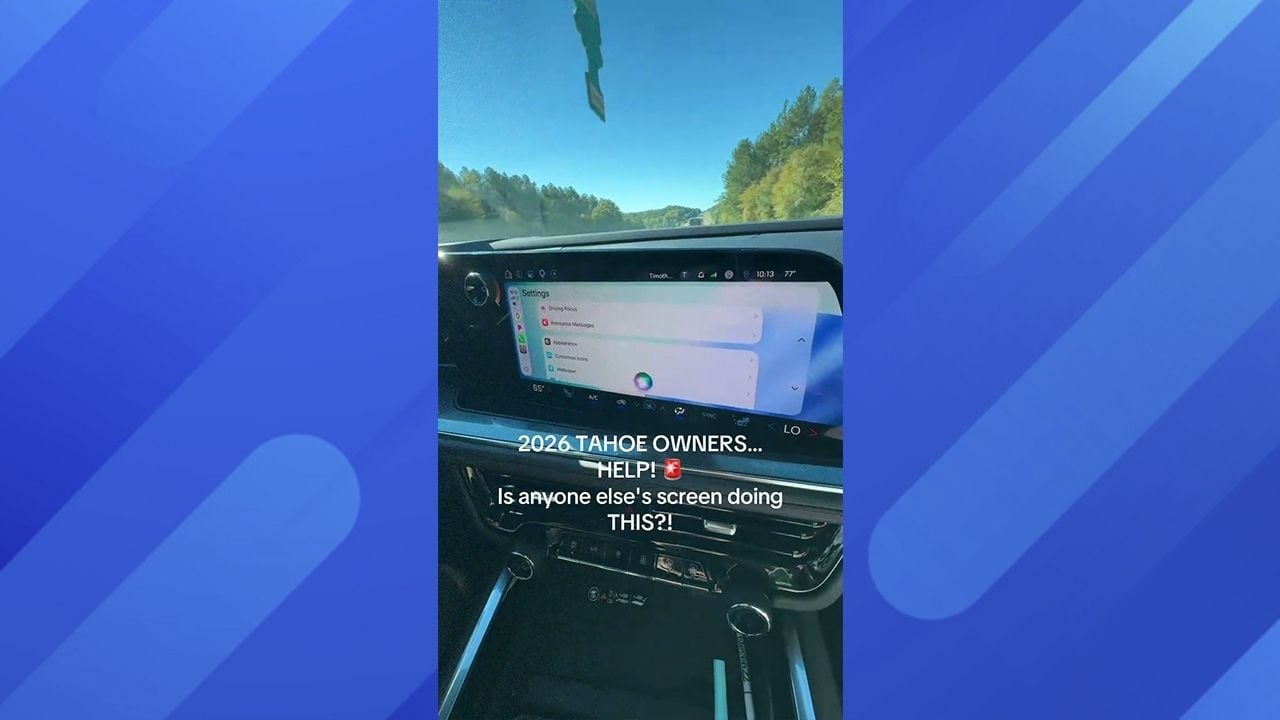
A woman has taken to TikTok to say that the screen in her new 2026 Chevrolet Tahoe began freaking out and flashing while she was driving. TikTok user Grace (@thatboymom22) shared the video on her account, and it has over 13,000 views at the time of writing.
Grace took to the platform to appeal to other viewers for advice on how she could fix the car. “Okay TikTok, I need your help,” Grace said at the start of the video. The issue came up while she and her husband were on a road trip.
Grace said she noticed something was off with the infotainment screen in the Tahoe. What made it worse was that the car is only two months old, and she was incredibly concerned about why and how the screen had begun flashing and freaking out after such little use.
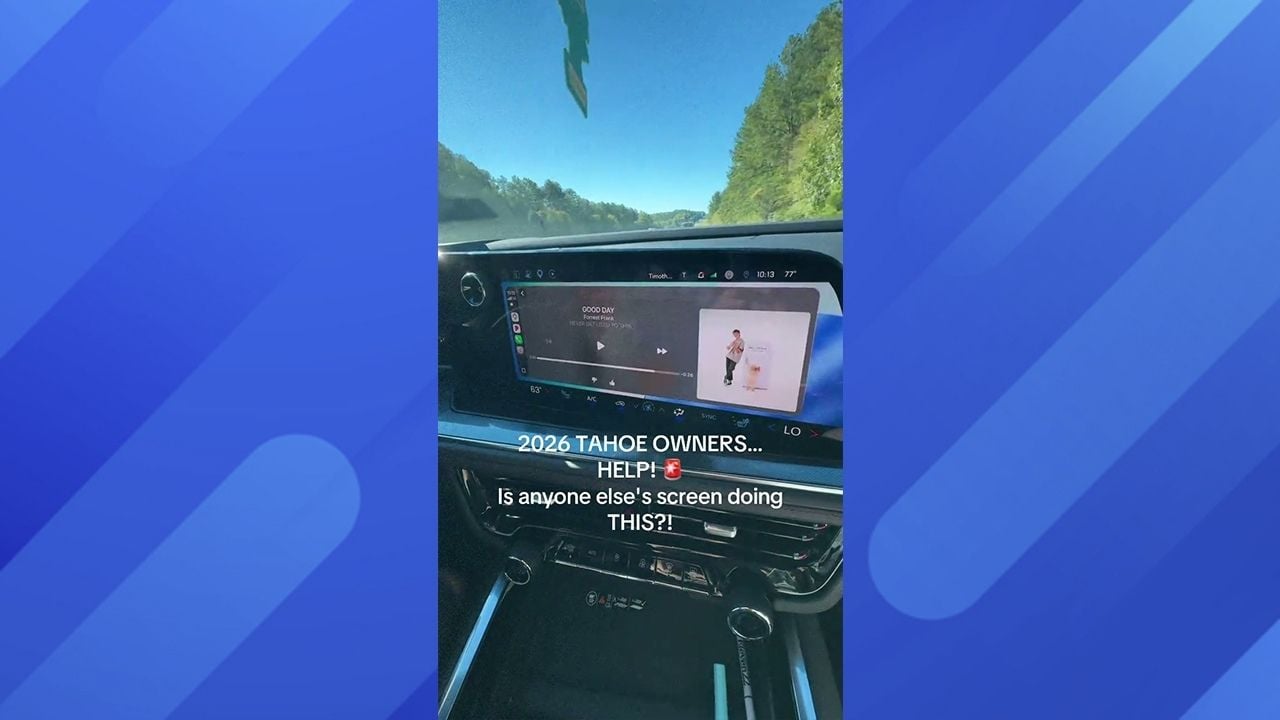
In the video, we can see the screen going haywire, flicking through all the apps within the system, right from maps to music and even into the system’s settings. Grace said that, far from being a stable problem, it is actually getting worse the more she tries to resolve it.
Grace Said the Infotainment Screen Was Going Haywire
@thatboymom22 CHEVY OWNERS — WHAT IS HAPPENING?! 👇🏻 Brand-new 2026 Chevy Tahoe RST and the touchscreen has officially lost its mind. 😳 We’re SIX HOURS from home, and it’s randomly opening and closing apps, clicking buttons, and jumping through settings all by itself! We’ve restarted it, and it’s STILL doing it. 🚨 Chevy/Tahoe owners — has this happened to yours?! Is this a known issue or are we just the lucky ones? HELP! #TahoeRST #Chevrolet #GMOwners #TouchscreenProblems #CarTok ♬ original sound – Grace 🦋
The TikTok user described exactly what was happening in her video. “This is what the screen’s doing… It’s completely spazzing out, and we’re not touching anything,” she said. “It just keeps sliding through all of the screens. It’s only the main screen. The one above the steering wheel is fine, but this one’s just spazzing out, and it’s getting worse,” she added. Whatever was wrong with it, it was clearly annoying her and her husband and getting much worse.
Making it even more annoying is the fact that their 2026 Tahoe is just a couple of months old. “Are we okay? And what should I do with it because we’re six and a half hours away from home?” added Grace. Having it happen while you are at home is one thing, but when you are so far from home, and you can’t easily get it sorted, it is going to be hugely frustrating. Naturally, even though she was asking for advice, TikTok users left some amusing comments below her video.
A few took the opportunity to have a bit of a pop at Chevrolet. “Get rid of that pos, buy a Toyota,” one said. “You lost me at Chevy Tahoe,” another said to Grace. There were, however, some helpful comments. “When you get to a safe place, pull over, turn the car off, and then turn it back on. It’s literally like a computer. It needs to be rebooted. If that doesn’t fix it, then I don’t know,” said another TikTok user. “Check for updates. Could need a programming,” said one commenter.
One User Offered Very Detailed Instructions
There was one comment that offered a lot of detail on how to fix the screen problems. “Actually, most of you are wrong. Pull over and shut the vehicle off with the door open. Turn the auxiliary power on, then press and hold the voice button on the steering wheel until the screen resets.
Once that is done, with the screen back on, cycle the ignition twice with the door open. Your screen will reset, and the glitch should be fixed,” they said. There are a few factors at play that could have caused the screen to glitch.
Gerry Raymond Chevrolet said that software glitches could be behind the issues. Bluetooth and Apple CarPlay can also cause them to glitch, or there may even be power supply issues with the SUV. The digitizer, which corresponds to the touch input, may also have started to fail for some reason. Heat exposure could be behind that, which can cause slow screen responses or cause the screen to go haywire, as we see in the TikTok.