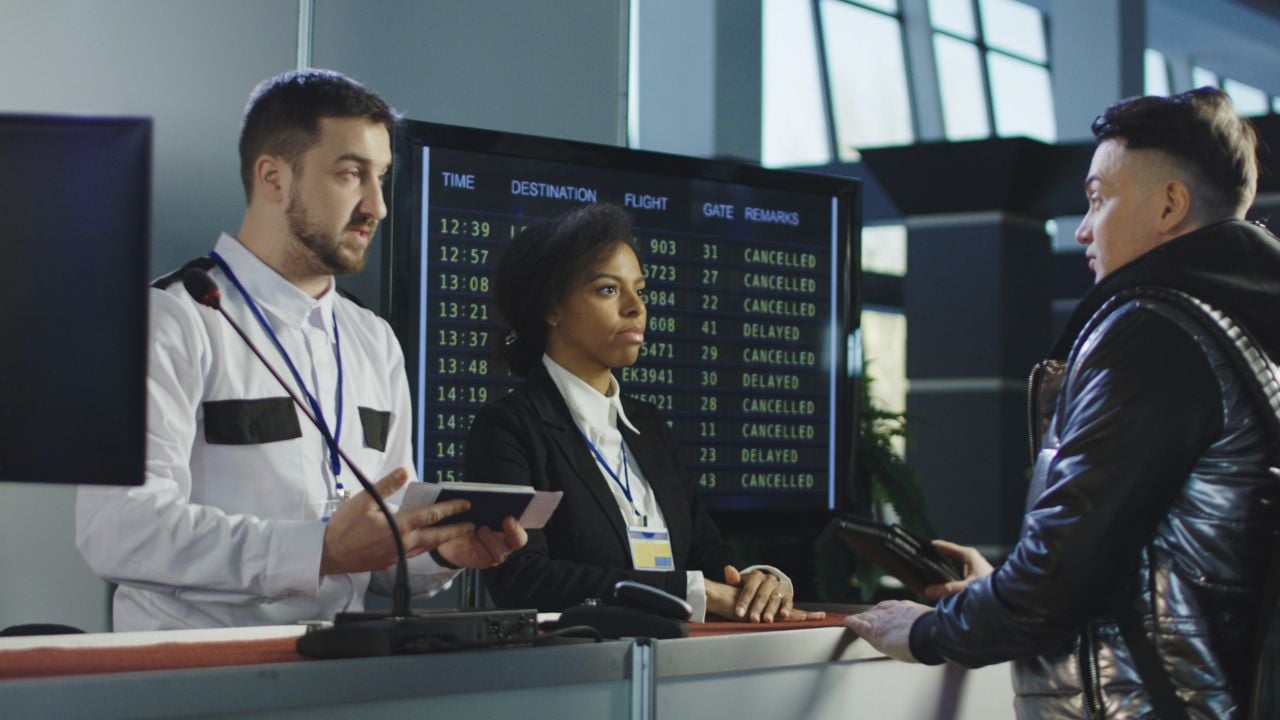
If it feels like “secondary screening” is happening to more people lately, you’re picking up on a real shift: borders are getting more automated, more biometric, and more data-driven. That’s great when everything matches instantly. When it doesn’t, the system can’t “wing it”; it routes you to a person.
In Europe, the EU Entry/Exit System (EES) started operating on October 12, 2025, and is being introduced gradually, with rollout scheduled to complete by April 10, 2026. It replaces routine passport stamping with digital entry/exit records and biometric checks for non-EU nationals on short stays. In the same orbit, ETIAS (the EU travel authorization for visa-exempt visitors) is scheduled to start in the last quarter of 2026.
Meanwhile, the UK is expanding its Electronic Travel Authorisation (ETA) system (fee currently £16) and is explicit that an ETA is permission to travel, not a guarantee of entry. And in the U.S., CBP continues expanding facial biometric processing in airport environments for entry/exit flows (CBP biometrics overview).
Here are the most common “boring but real” reasons people get pulled out of the fast lane, plus what actually helps.
1. Your Face Scan Doesn’t Match Your Passport Photo (Or Your Photo Is Just “Hard Mode”)

Modern e-gates and kiosks live and die by the camera match. Small mismatches happen for normal reasons: an old passport photo, major appearance changes (weight loss, beard, hair), harsh overhead lighting, glare on glasses, hats/hoods, masks, or just a tired “airport face.” If the system can’t confidently match you, it doesn’t debate; it flags you.
Do this instead: If your passport photo is wildly out of date, renew before big trips. At the kiosk, remove hats and glasses if asked, face the camera straight on, hold still for a second, and don’t smile or tilt your head. It sounds silly, but “neutral and centered” clears faster.
2. First-Time Biometric Enrollment Slows Everything Down
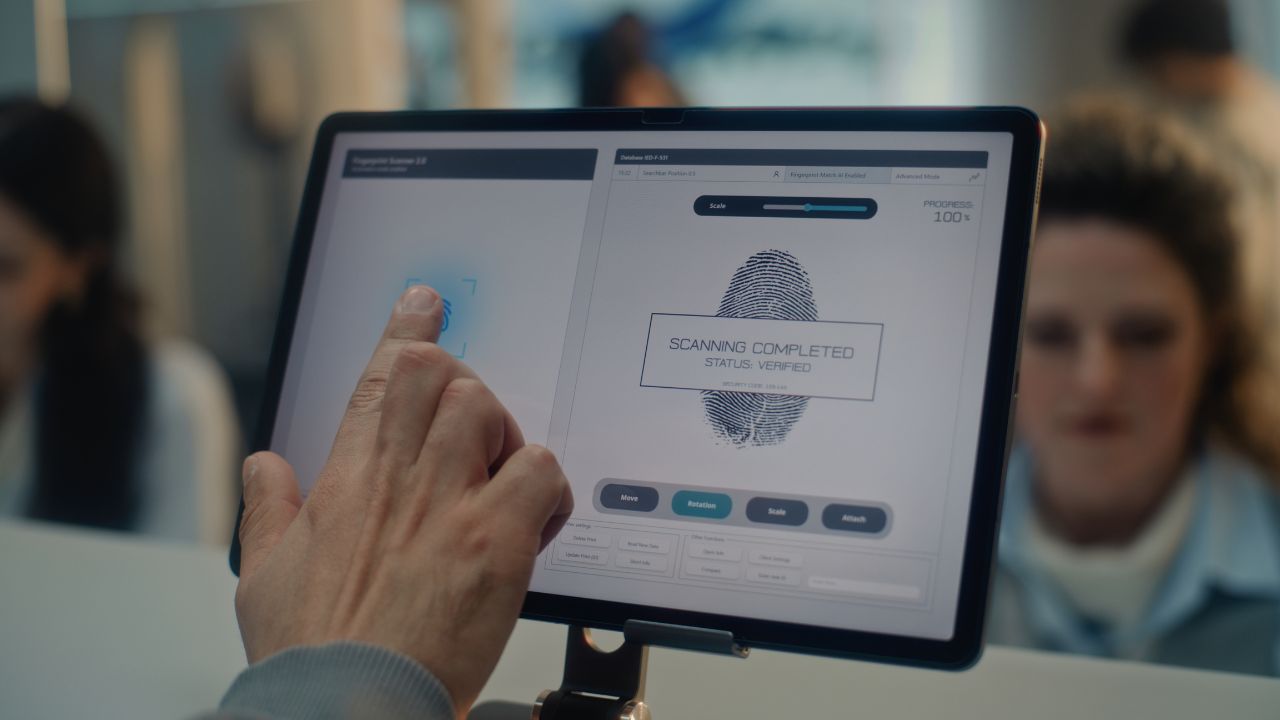
With EES, the first time you enter after rollout, you may need to enroll biometrics (facial image and fingerprints) so a digital file can be created. During a phased rollout, some crossings have smoother self-service setups, and some rely more on officers, so first-time processing can be slower than people expect, especially at peak arrival waves.
Do this instead: For your first entry after a major system rollout, assume you’ll be slower than your usual “I’m a pro at airports” pace. If you’re traveling as a family, build in buffer time; one person’s enrollment delay can stall the whole group.
3. Your Details Don’t Match Across Systems (Name, Passport Number, DOB)
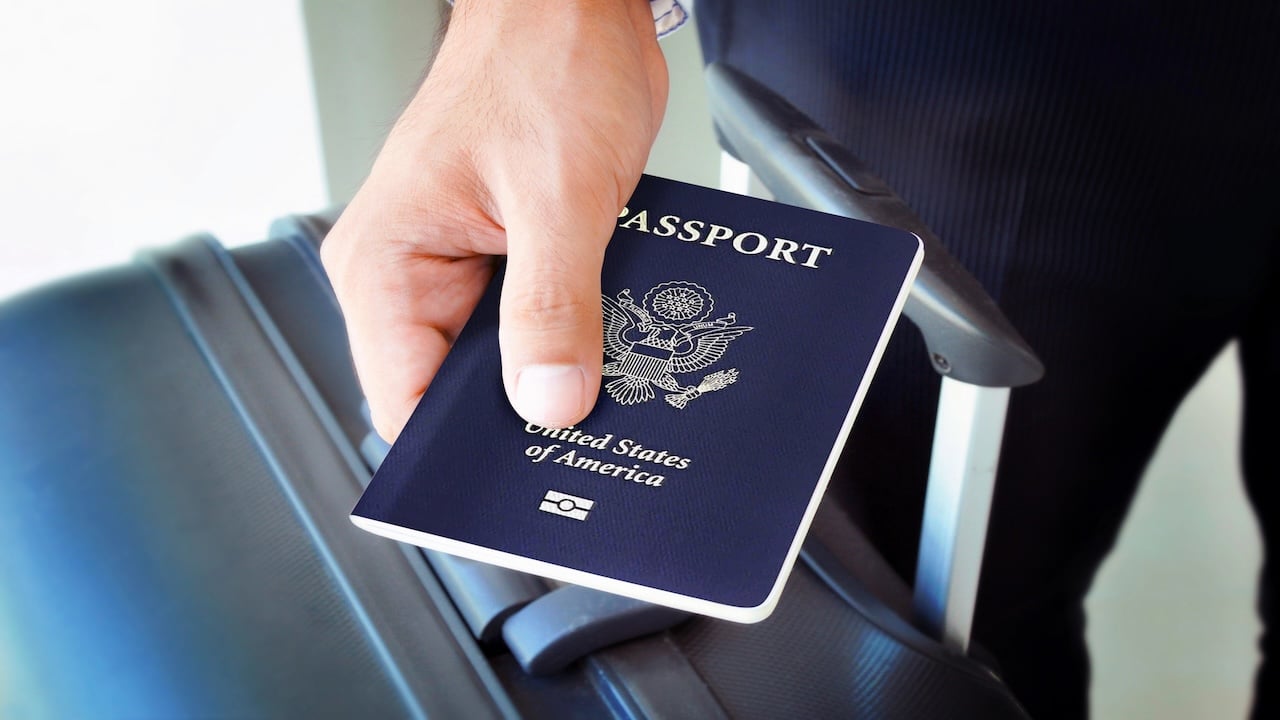
Automation is picky in a way humans usually aren’t. If your airline booking, your passport MRZ (the machine-readable lines), and any visa/authorization records don’t match exactly, the system may kick you out to an officer for manual verification.
This is especially common with:
- missing middle names on one system but not another
- hyphenated names / multiple surnames
- recently renewed passports (new passport number)
- typos in DOB or passport expiry
Do this instead: Make your booking match your passport exactly (same order, same spelling, same punctuation the airline uses). If you renewed your passport, update saved traveler profiles and any pre-filled forms so you’re not traveling on “old data.”
4. You Have the Wrong Travel Authorization – or You’re Traveling on the “Wrong” Passport
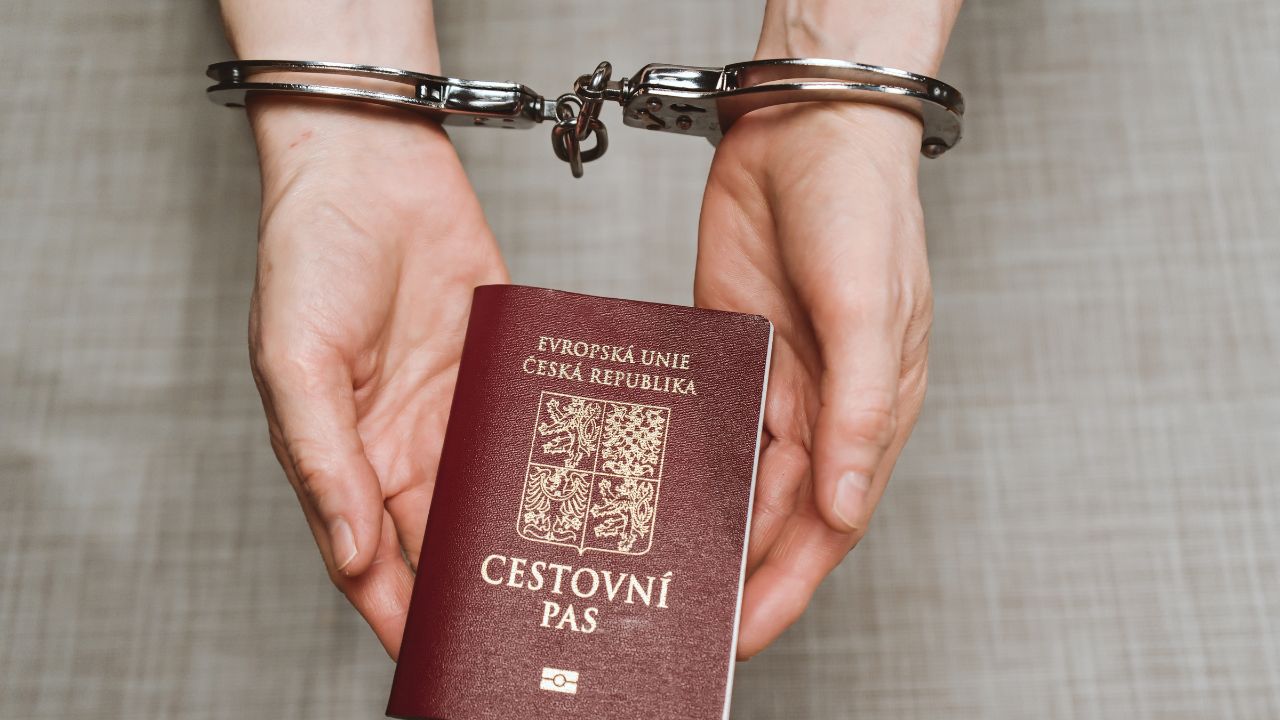
More destinations now want digital permission before you even show up. In this region alone, that includes:
- UK’s ETA (and it’s explicitly not a guarantee of entry)
- EU’s ETIAS (scheduled for the last quarter of 2026)
- similar ESTA/eTA-style systems elsewhere
Where people get burned: applying with one passport and traveling with another (dual nationals do this a lot) or renewing a passport after applying and assuming the authorization “follows you.”
Do this instead: Pick one passport for the trip and keep it consistent from start to finish: booking → authorization → border. If you renew your passport, assume you need to recheck anything tied to the old document.
5. Your Passport Triggers a Database Flag (Stolen/Lost, Revoked, Invalid)
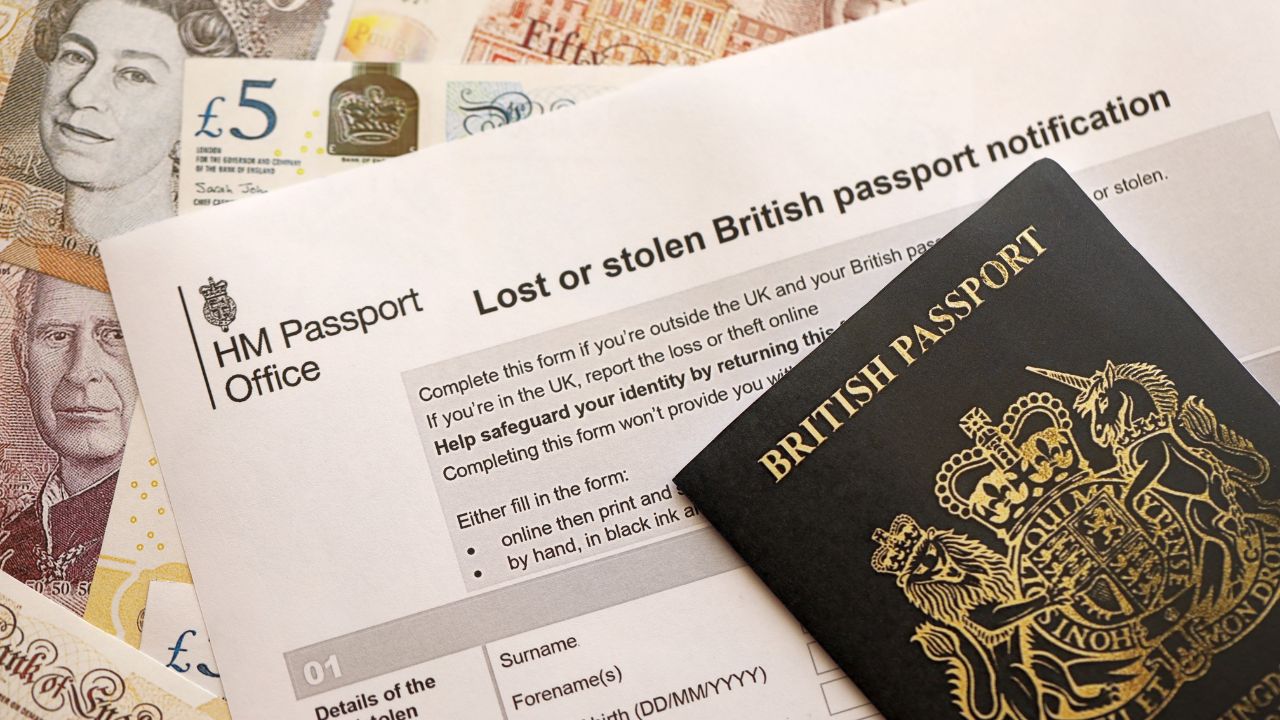
Border agencies can check documents against shared databases in seconds. One of the big ones is INTERPOL’s SLTD database (stolen/lost travel documents). Flags can be obvious, but sometimes it’s just bureaucracy: a passport was reported lost long ago, a replacement was issued, and the records weren’t cleaned up the way you’d expect.
Separately, a physically beat-up passport can cause problems even without a database hit. Water damage, torn pages, or a failing chip can turn “quick scan” into “manual inspection.”
Do this instead: If your passport is damaged or the cover/chip area is clearly worn, replace it before international travel. If you ever reported a passport lost, make sure you’re traveling with the correct valid replacement (and not an older document hiding in a drawer).
6. Your Travel History Is Now Easier to Spot (And Overstays Are Harder To “Hide”)
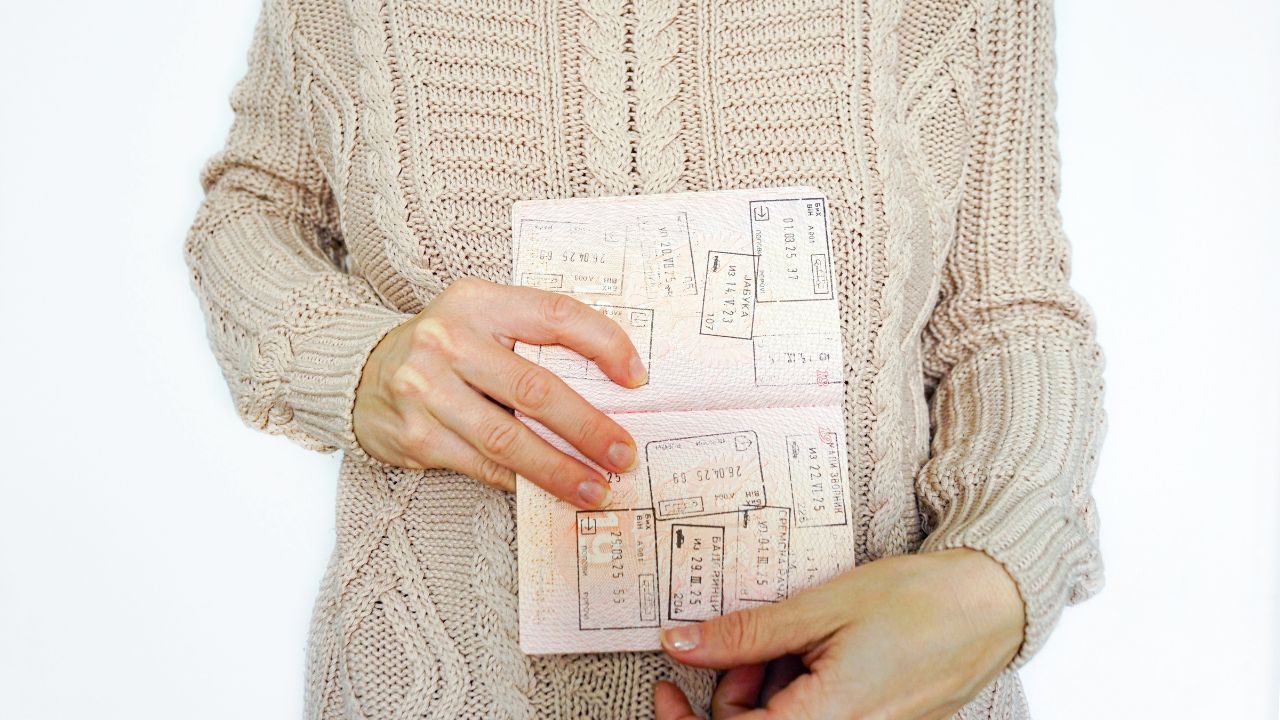
EES is designed to record entry/exit data digitally and help identify people who exceed their permitted stay. That means patterns that used to be fuzzy with stamps become clearer, especially around the Schengen 90/180 short-stay rules.
Do this instead: Know your allowed-stay rules before you fly, and if you’ve been close to the limit, carry clean proof of onward travel and accommodations. If you’re unsure, use the EU’s official short-stay calculator and save a screenshot of your math.
7. Your Flight Data Gets Risk-Scored Before You Land
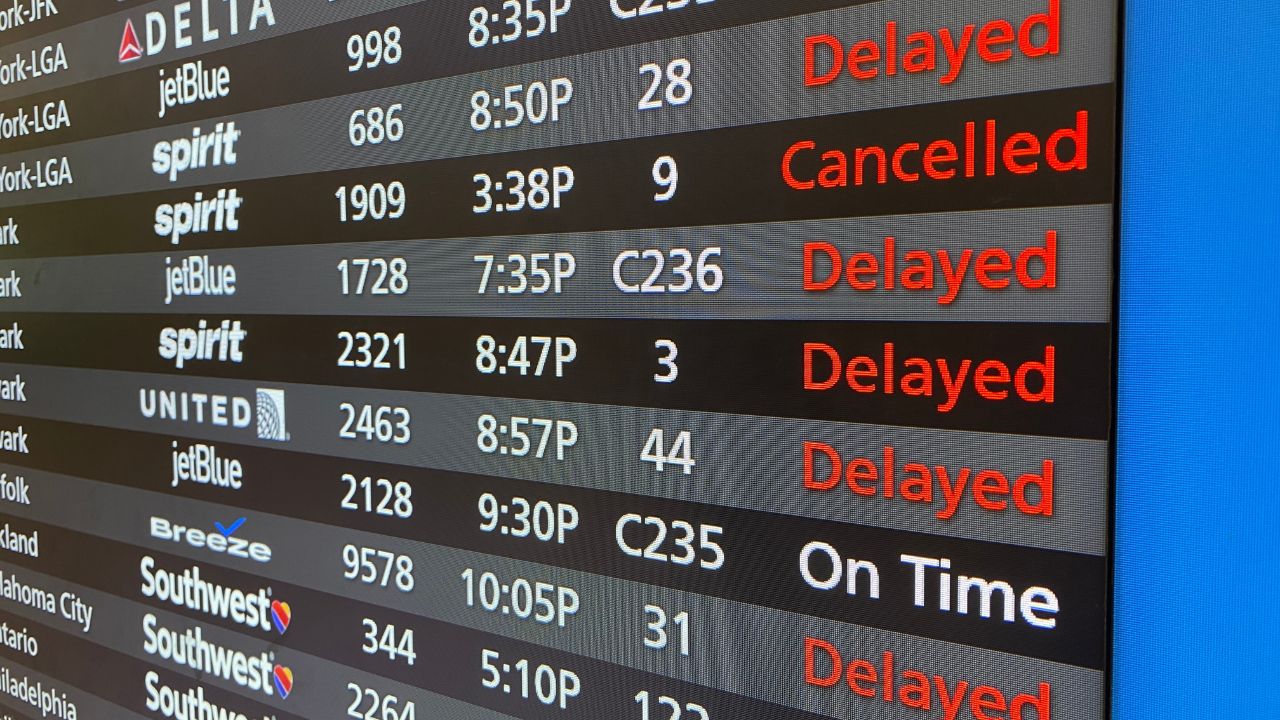
Airlines send passenger data ahead of departure/arrival, and governments increasingly run that information through automated checks before you ever reach the booth. In Europe, that’s tied to frameworks around Advance Passenger Information (API); in the U.S., CBP’s APIS is part of how officers receive pre-arrival manifest data.
What looks normal to you can still get flagged for a closer look, like:
- last-minute one-way international tickets
- unusual routings
- inconsistent addresses/hotel info
- travel patterns that don’t match your stated purpose
Do this instead: Keep your trip story simple and consistent. If you’re visiting for tourism, have your lodging details and return/onward ticket easy to pull up. Under pressure, don’t improvise; short, direct answers beat long explanations.
8. You’re Carrying Something That Triggers Scanners and Extra Questions

This one isn’t “new,” but the tech makes it happen faster: restricted items, undeclared goods, unusual quantities, or anything that looks like commercial import/export rather than personal travel. Automated screening flags the bag quickly, then a human takes over.
Do this instead: Keep prescriptions in original packaging, don’t pack mystery “gifts” you can’t explain, and if you’re unsure whether something must be declared, declare it and let the officer decide. A clean declaration is usually less painful than a bad surprise.
9. You Opted Out (Or Couldn’t Use) the Automated Process

Sometimes you’re manual by choice; sometimes the machine just won’t cooperate. In the U.S., facial recognition is used in many airport flows, and opting out where permitted can mean you’re routed to a manual identity check instead of the fastest lane (here’s a practical walkthrough on opting out: AARP guide). In Europe, if self-service stations aren’t available at a crossing point, or if they fail during the EES rollout, you’ll end up with an officer anyway.
Do this instead: Decide what you care about more: speed or opting out. If speed is the goal, follow the capture instructions precisely and don’t rush the photo/fingerprint step. If privacy is the goal, opt out when allowed, but plan for extra time.
If You Get Pulled Aside: What To Do (So It Doesn’t Get Worse)

- Stay calm and polite. Most secondary checks are about identity and consistency, not drama.
- Answer what you’re asked, no extra speeches.
- Have essentials ready: return/onward ticket, lodging details, proof of funds, and a simple itinerary.
- Don’t lie. In many places, consequences for dishonesty are worse than the original issue.